<img src="https://ws.zoominfo.com/pixel/UN1mC4S8pYDBTzsJVYoE" width="1" height="1" style="display: none;">

Document management for companies outgrowing shared drives and file cabinets

When documents are spread across shared drives, inboxes and file cabinets, people lose time looking for the right version. We set up document management systems, including Hyland OnBase, EasyFile, OpenText AppEnhancer and Upland FileBound, around how your people actually look for things, connect them to your scanning, AP and ERP work, and keep them running.

  • Hyland and OpenText partner
  • EasyFile and Penta Vault
  • Since 1984
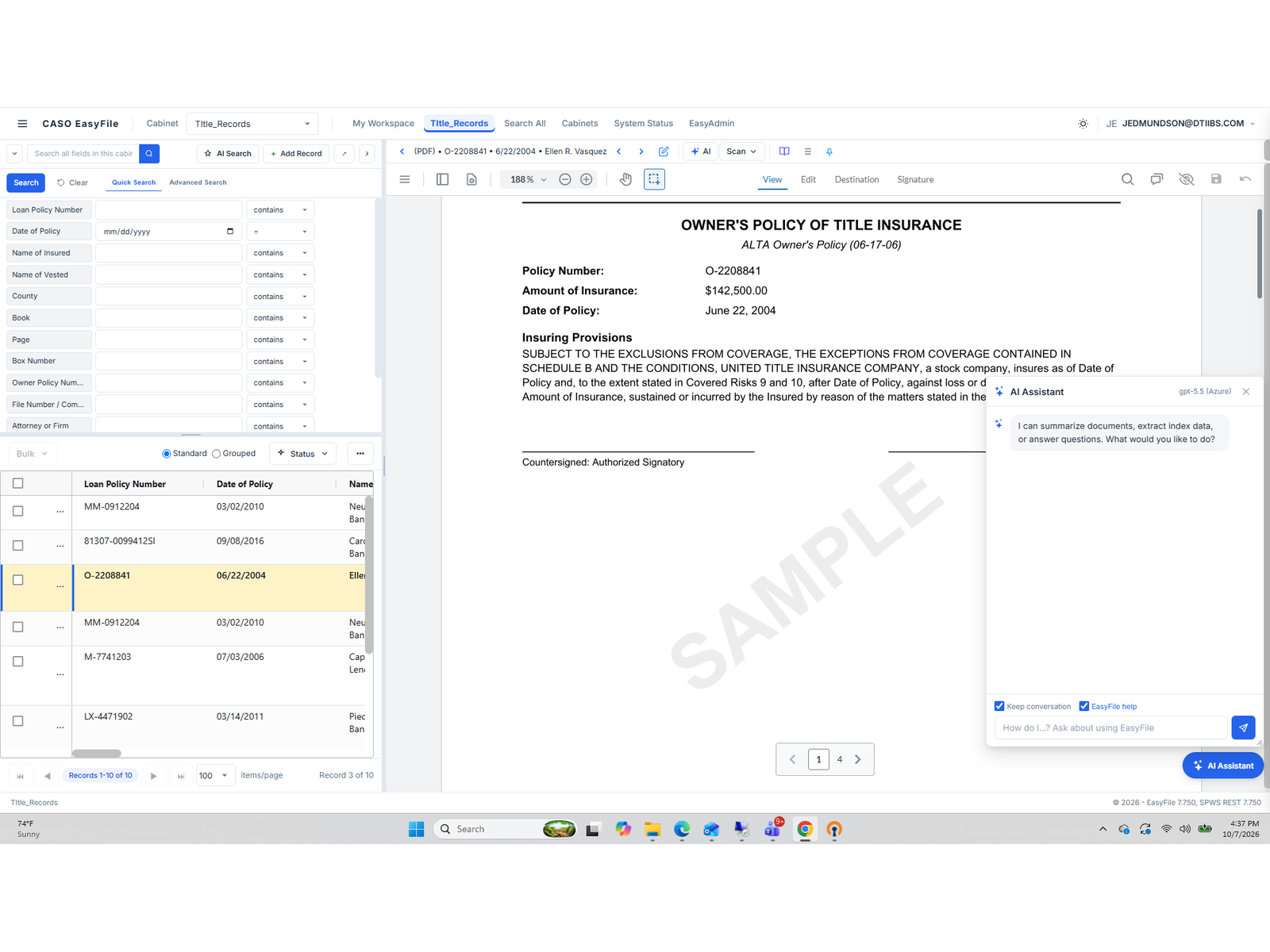
The EasyFile document management screen with its AI assistant

What a document management system should handle

Keep documents in one place

Invoices, contracts, HR files and project records in one system instead of shared drives, inboxes and file cabinets.

Find documents by what you know

Search by vendor, employee, project, date or document type, using index fields set up around how your people look for things.

Control who sees what

Permissions by role and document type, so sensitive records stay with the people who should see them.

Keep records as long as required

Retention rules that match your requirements, so records are kept as long as they need to be and no longer.

Route and automate the work

Workflow for reviews and approvals, automation for repetitive steps, and dashboards that show where work is waiting.

Connect to your other systems

Links to your ERP and other business systems, so people can open the document from the record they're already working in.

Using AI with your documents

Once records are organized and current, AI tools can take on more of the routine work around them. Your team still reviews the results and makes the decisions.

  • Reading incoming documents, pulling out key details and filing each one in the right place
  • Answering questions from the approved version of a document instead of an old copy
  • Flagging records that are due for review or destruction under your retention rules

Platforms we implement and support

We don't push one platform. When more than one would work, we explain the tradeoffs: cost, what your team will maintain, how it connects to your other systems and where it's hosted.

Hyland OnBase

Hyland's enterprise platform for document capture, workflow, case management and records retention, connected to your ERP so people can open documents from the applications they already use.

EasyFile

A cloud platform for document management, electronic forms and workflow, with full-text search, retention schedules and AI that pulls data from invoices and other documents.

OpenText AppEnhancer

OpenText's document management system, formerly ApplicationXtender. It works inside the business applications your team already uses to scan, store and retrieve documents and route them for approval.

Upland FileBound

Upland's cloud platform for document management and workflow automation, used to store, route and approve documents without running your own servers.

Penta Vault

Penta's document storage for Penta software, sold and maintained by Penta. DTI sends documents into Penta Vault for storage, including invoices from our AP automation.

For Penta customers

Getting existing documents into the system

We scan existing records, set up capture for new documents as they arrive, and agree on index fields before anything is loaded, so documents come in organized the way people will search for them.

  • Scanning for file rooms, archives and boxes of records
  • Large-format scanning for drawings and plans
  • Capture for invoices and other documents as they arrive
  • Index fields agreed before production starts
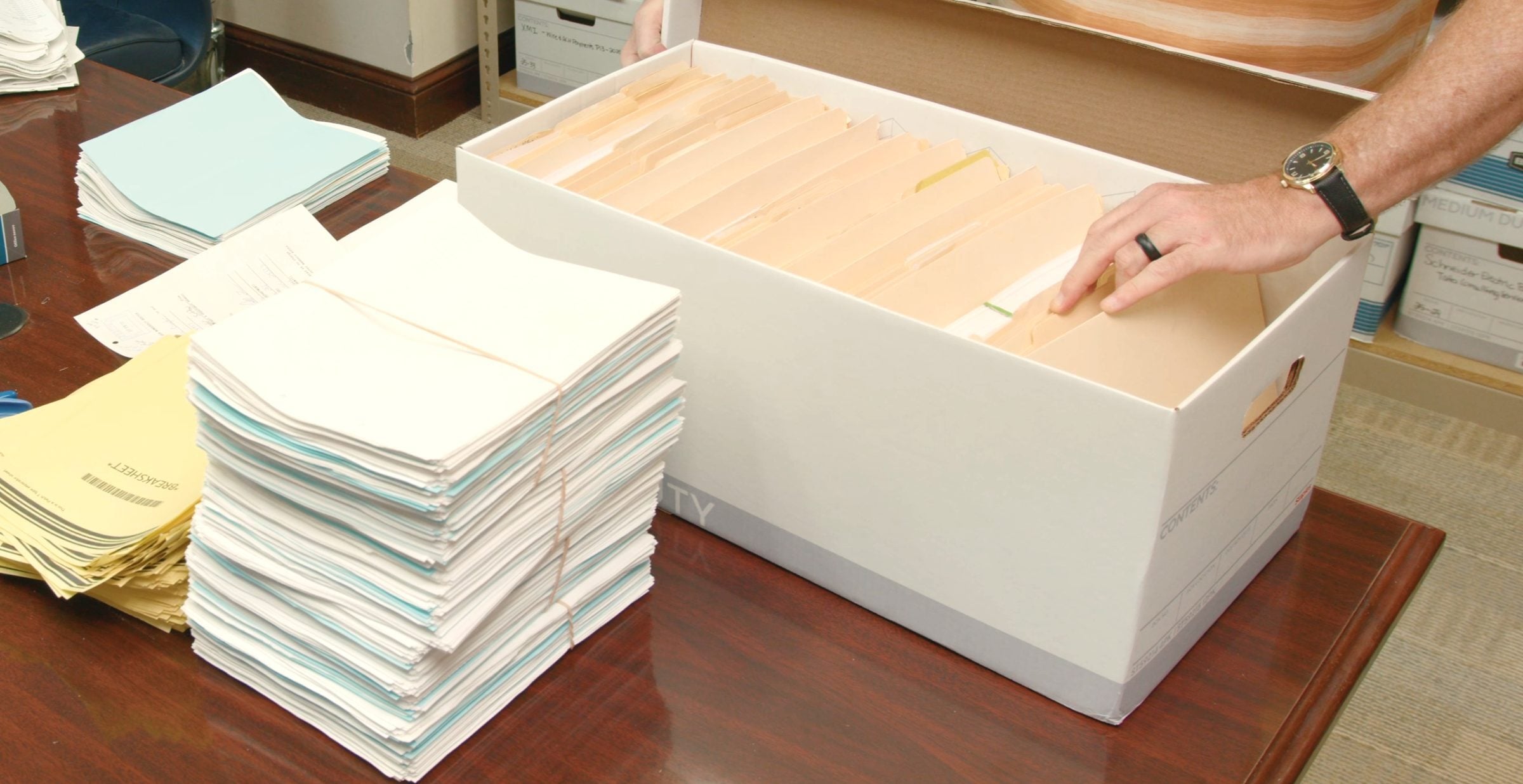
Records prepared and stacked for scanning

Moving off an older document system

If you're on an older document system, the first questions are what can be exported, including the index data, and what the new system needs to receive. We look at that before recommending a move, because the answer decides the cost and the risk.

Accessibility On Demand

Accessible PDFs from scanned records

A scan is a picture of a page, so people who use screen readers can't use it until it has been prepared. Our Accessibility On Demand service prepares your scanned records and existing PDFs for screen readers, and we can scan and prepare them in the same project.

Questions about document management

What is a document management system?

A document management system stores business documents in one place, indexes them so people can find them, controls who can see them and keeps them for the right length of time. Many also route documents for review and approval.

Is SharePoint enough, or do we need a document management system?

For simple file sharing, SharePoint is often enough. A document management system earns its place when you need consistent indexing, retention rules, audit history or workflow tied to systems like your ERP. We can deliver scanned records to either.

Which document management platforms does DTI support?

We implement and support Hyland OnBase, EasyFile, OpenText AppEnhancer and Upland FileBound. For construction companies on Penta software, we also send documents into Penta Vault, which Penta sells and maintains.

Can you automate repetitive steps or build dashboards?

Yes. Robotic process automation (RPA) and reporting dashboards are part of the OnBase, EasyFile and Tungsten Automation platforms we work with. We use them to take repetitive steps, like keying data from one system into another, off your team, and to show where documents and approvals are waiting.

Can you help us move documents out of an older system?

Often, yes. It depends on how the documents and their index data can be exported. We assess that before recommending an approach.

Can you make our scanned and existing PDFs accessible?

Yes. Our Accessibility On Demand service prepares scanned and existing PDFs for screen readers by adding tags, a reading order, image descriptions and bookmarks. How much review a document needs depends on how it is used, so we talk through your documents first. See how PDF accessibility works.

Who supports the system after it's live?

DTI provides ongoing support for the platforms we implement, so you have one team that knows both the system and how you use it.

Tell us where your documents live today

Shared drives, an older imaging system, file cabinets or all three. We'll tell you what we'd keep, what we'd move and what it would take.